

Disclaimer: Heavy Diesel Tuner, its distributors and outlets shall be in no way responsible for the product's proper use and service. The buyer hereby waives all liability claims. The Seller disclaims any warranty and expressly disclaims any liability for personal injury or damages. The buyer agrees to indemnify the seller/manufacturer and to hold the seller/manufacturer harmless from any claim related to the item of the equipment purchased. Under no circumstances will the seller be liable for any damages or expenses by reason of use or sale of any such equipment. The buyer is solely responsible for all warranty issues from the vehicle manufacturer. The installation of this product indicates that the buyer has read and understands this agreement and accepts the terms and conditions.
Step 1 -Getting the Calibration ID
Using the supplied cables and adapter connect the tuner to your diagnostic connector located under the drivers side dash area. Scroll down to the VEHICLE INFO option and press SELECT
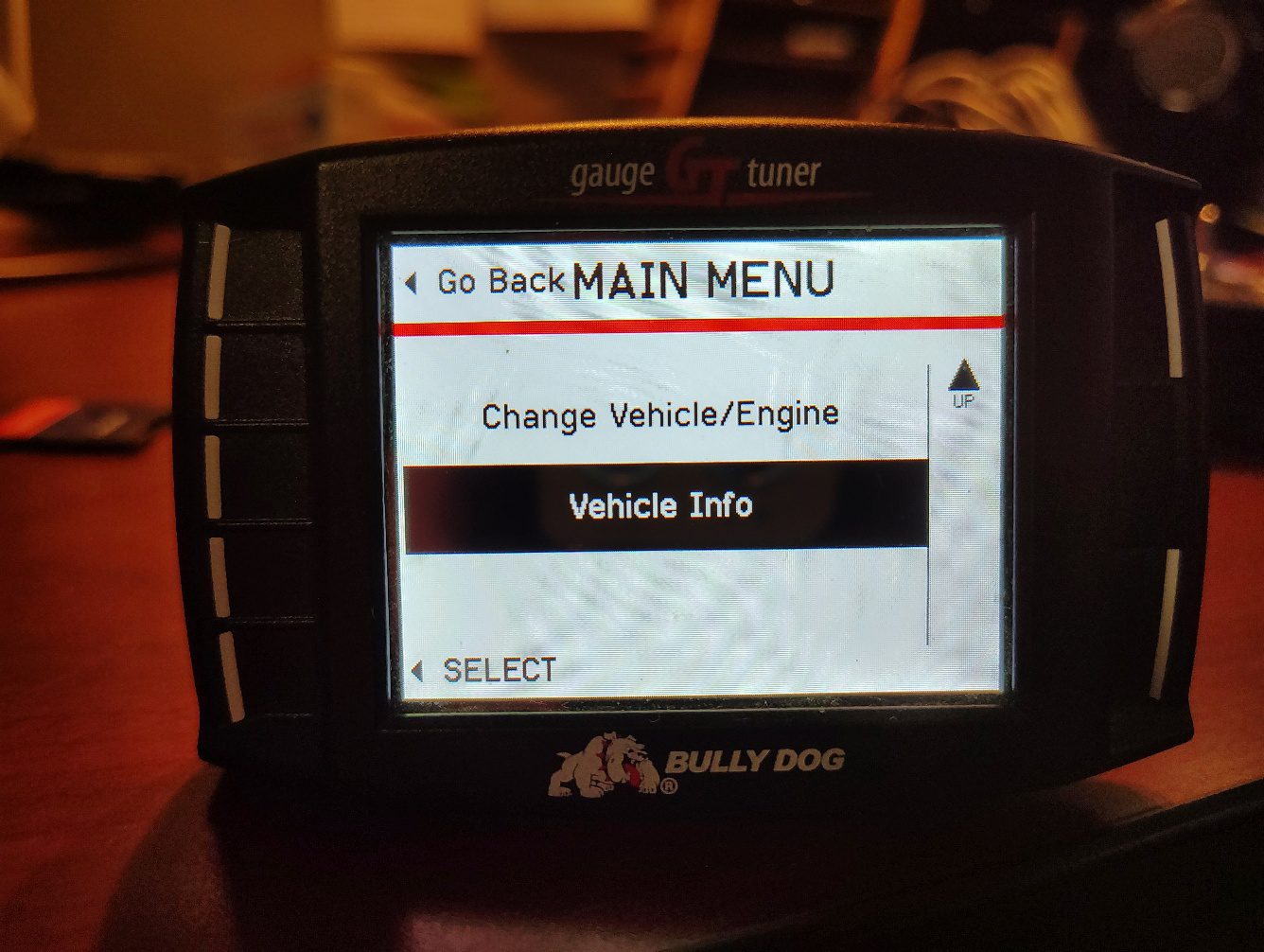
Select the REQUEST VEHICLE INFORMATION icon
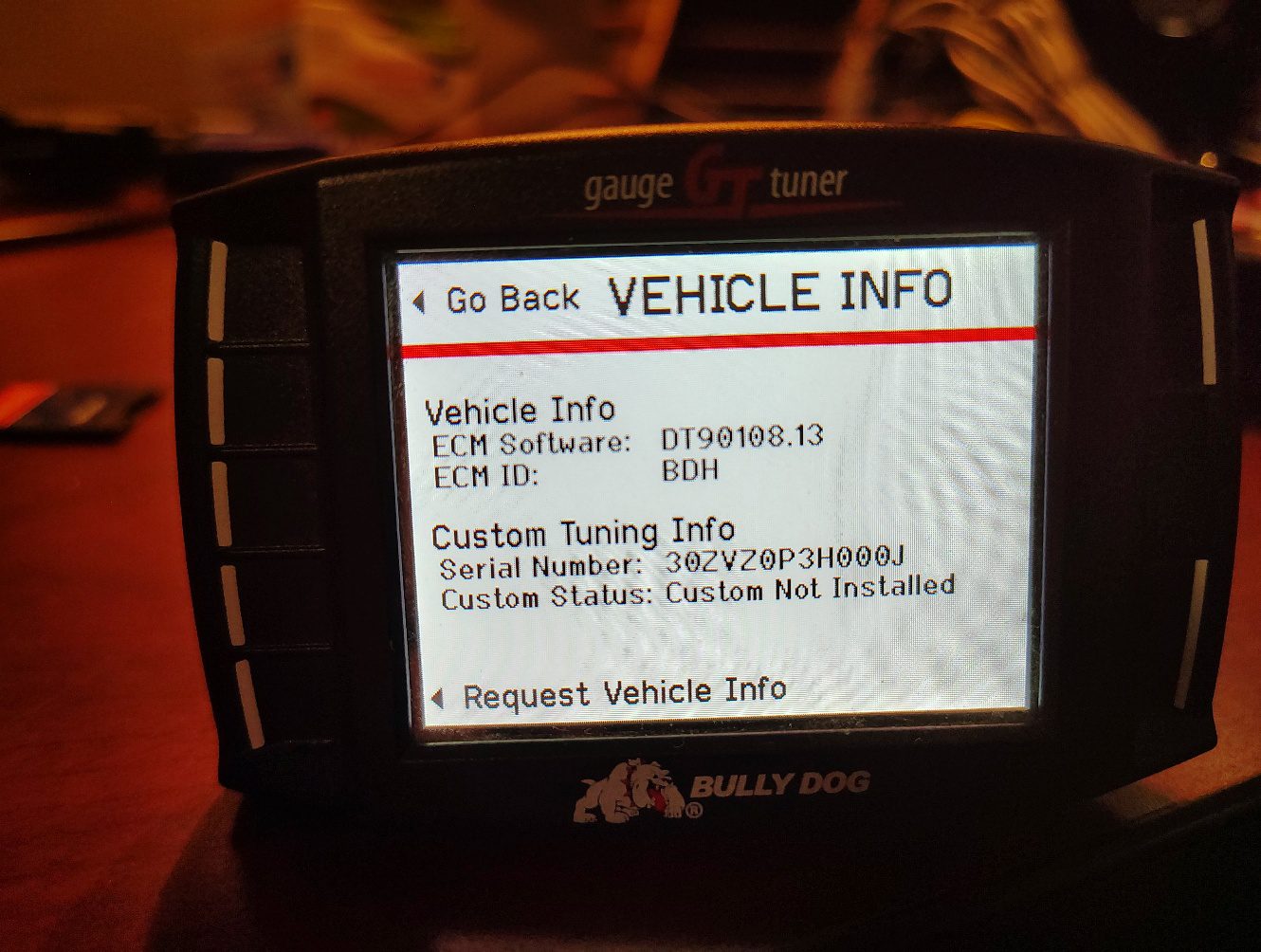
Follow the on screen prompt and turn the key to the ON position with engine OFF. Once this is done it will return to the Vehicle INFO screen with the updated information.
TAKE A PICTURE OF THIS SCREEN OR WRITE DOWN THE ECM SOFTWARE INFORMATION
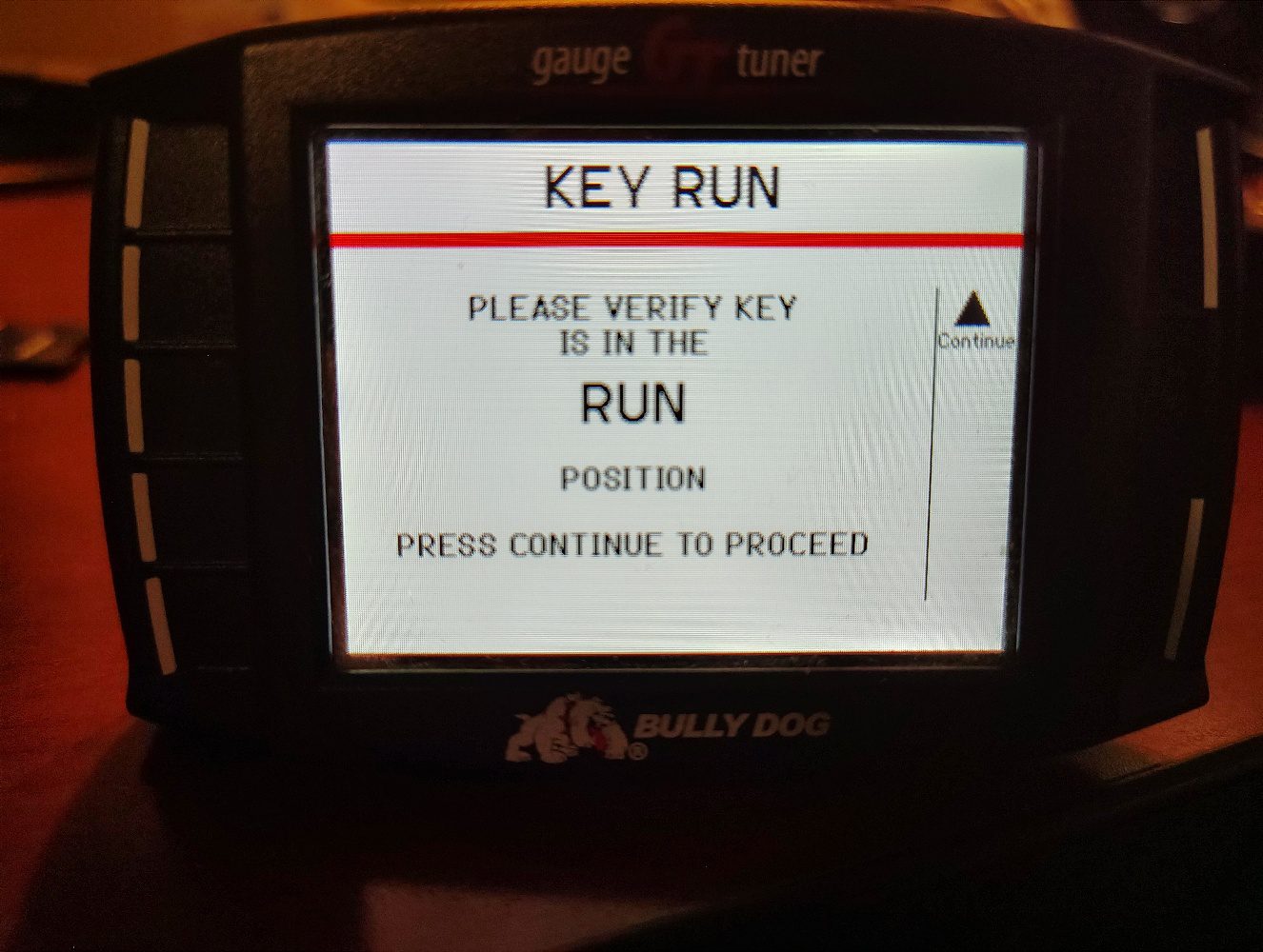
Step 2: Reading the Stock File
To get the stock read go back to the main menu and select INSTALL TUNING
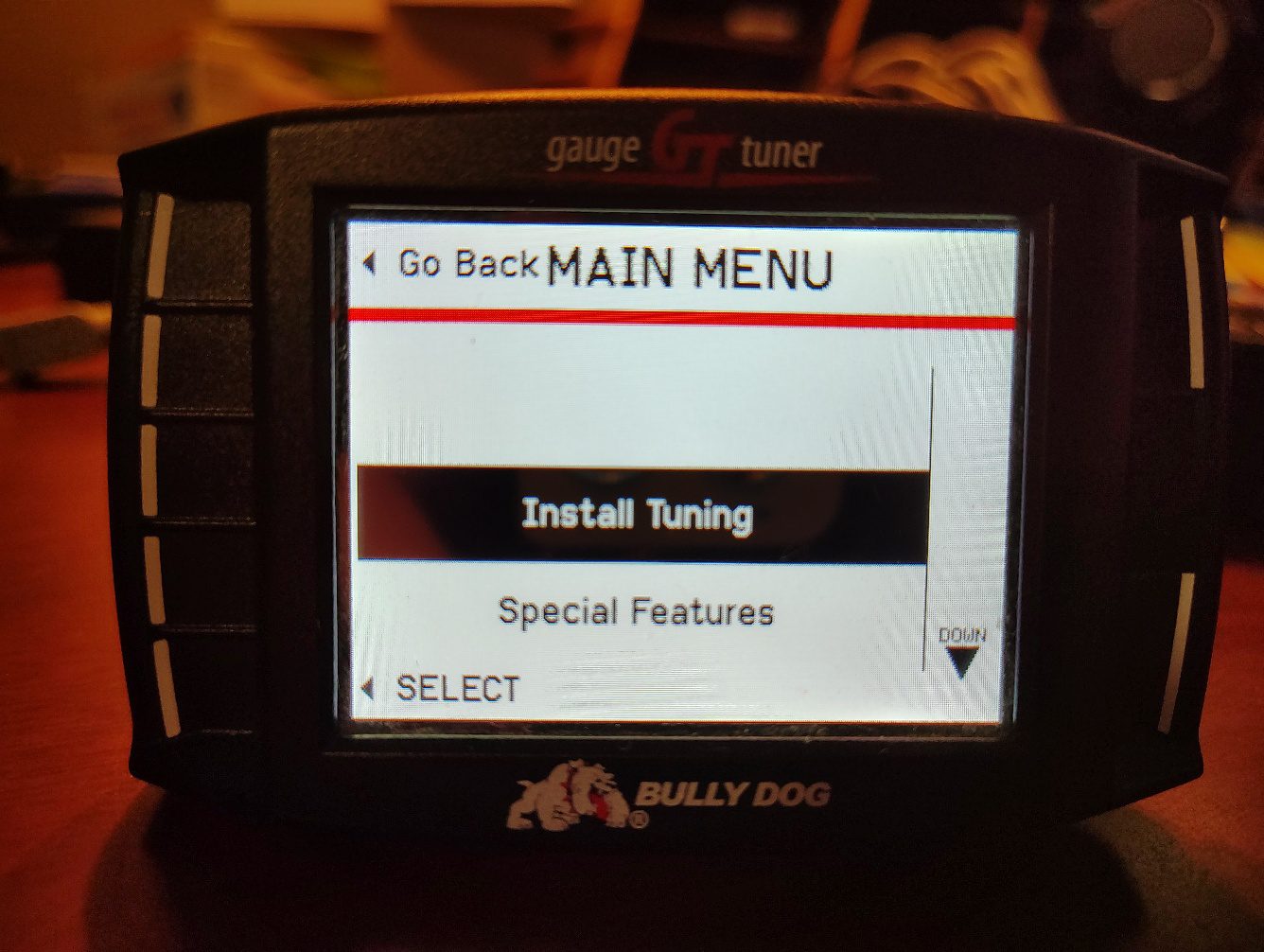
CONFIRM SELECTION AND GO THROUGH THE DISCLAIMERS
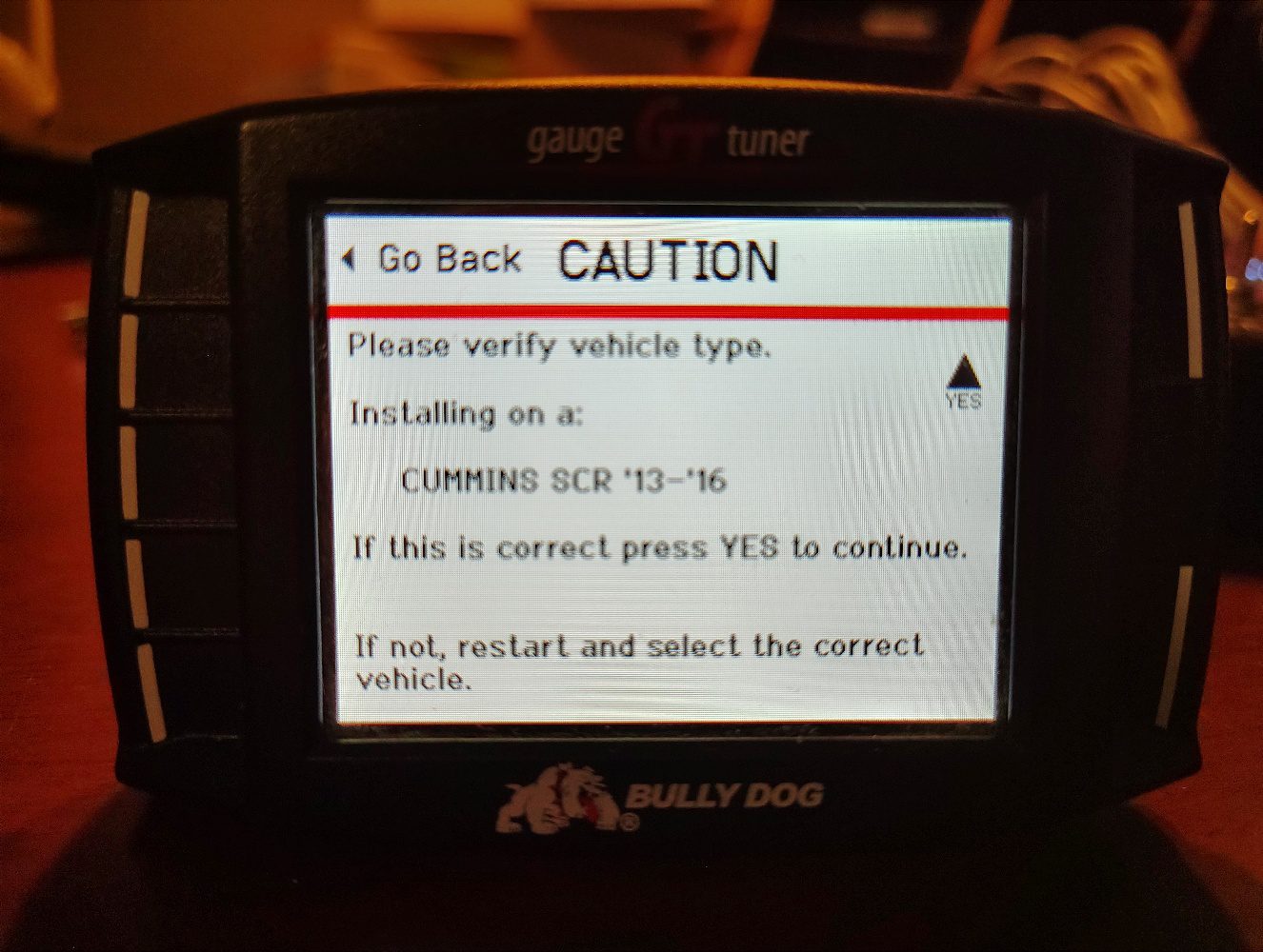
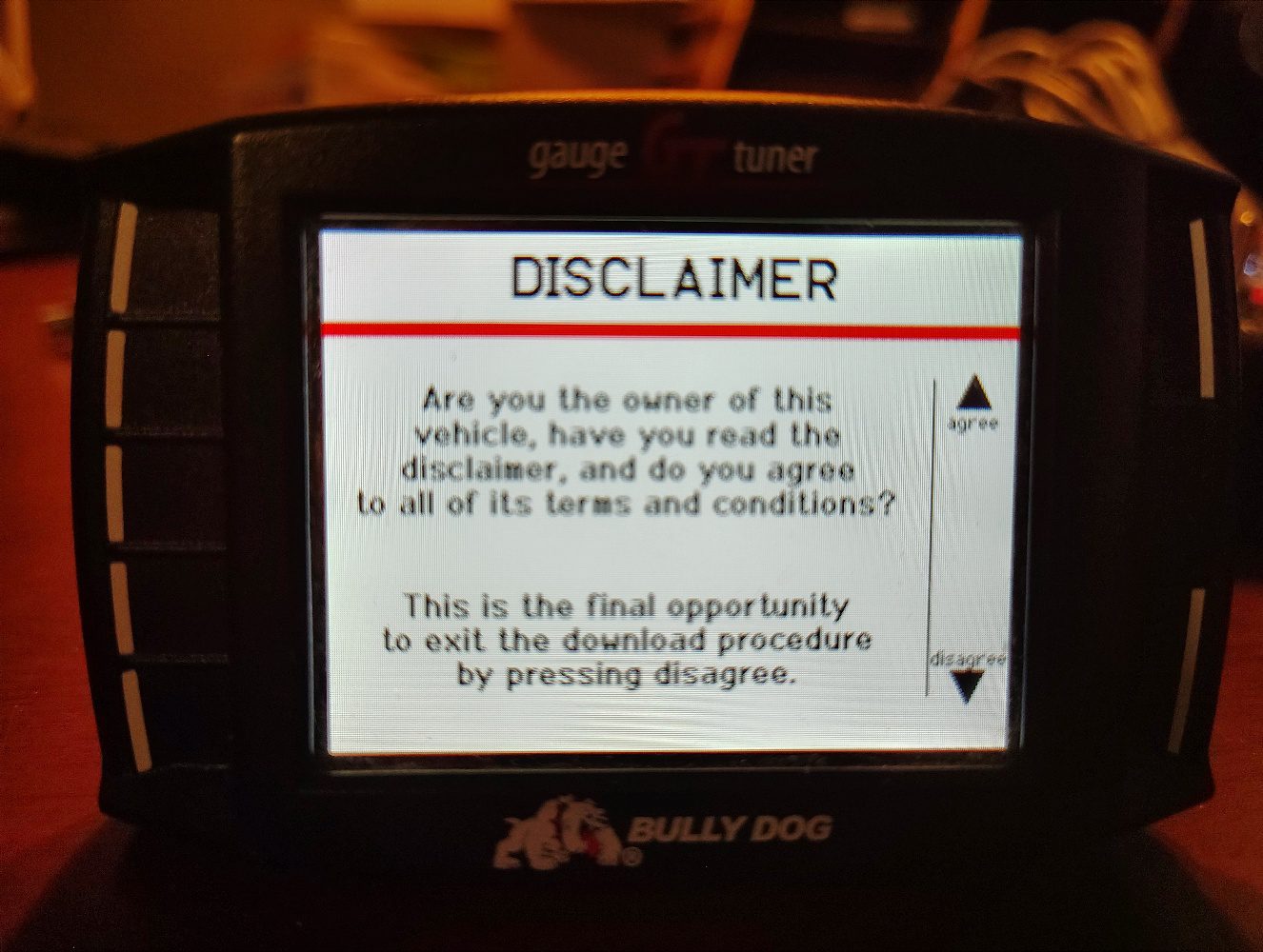
Follow the ignition key prompt and wait for the read process to complete.
(It is VERY IMPORTANT not to unplug the tuner, turn the key off or try starting the engine during
the READ/WRITE process. Memory damage may occur!)
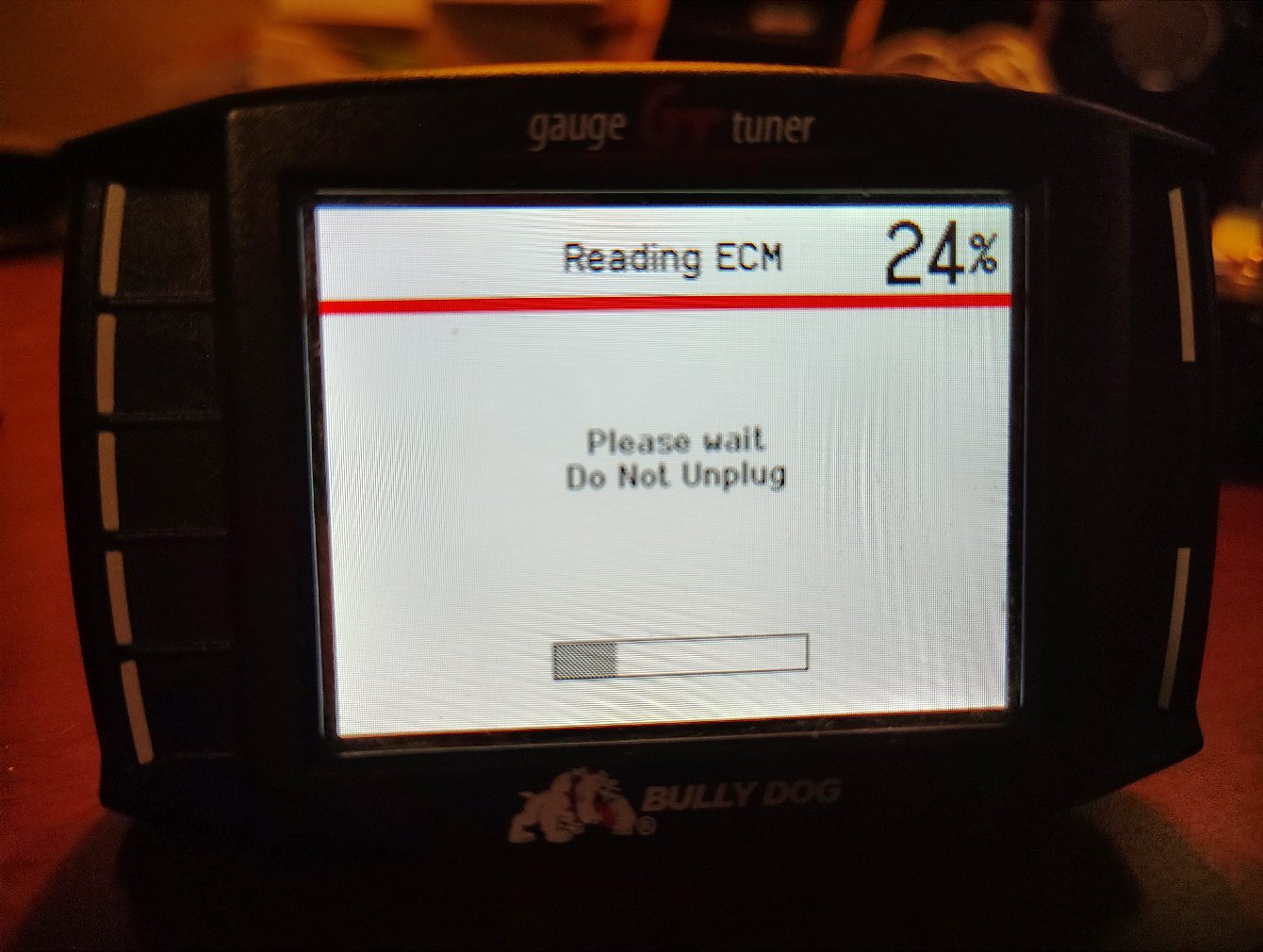
Once it has finished reading it will have you cycle the ignition key.
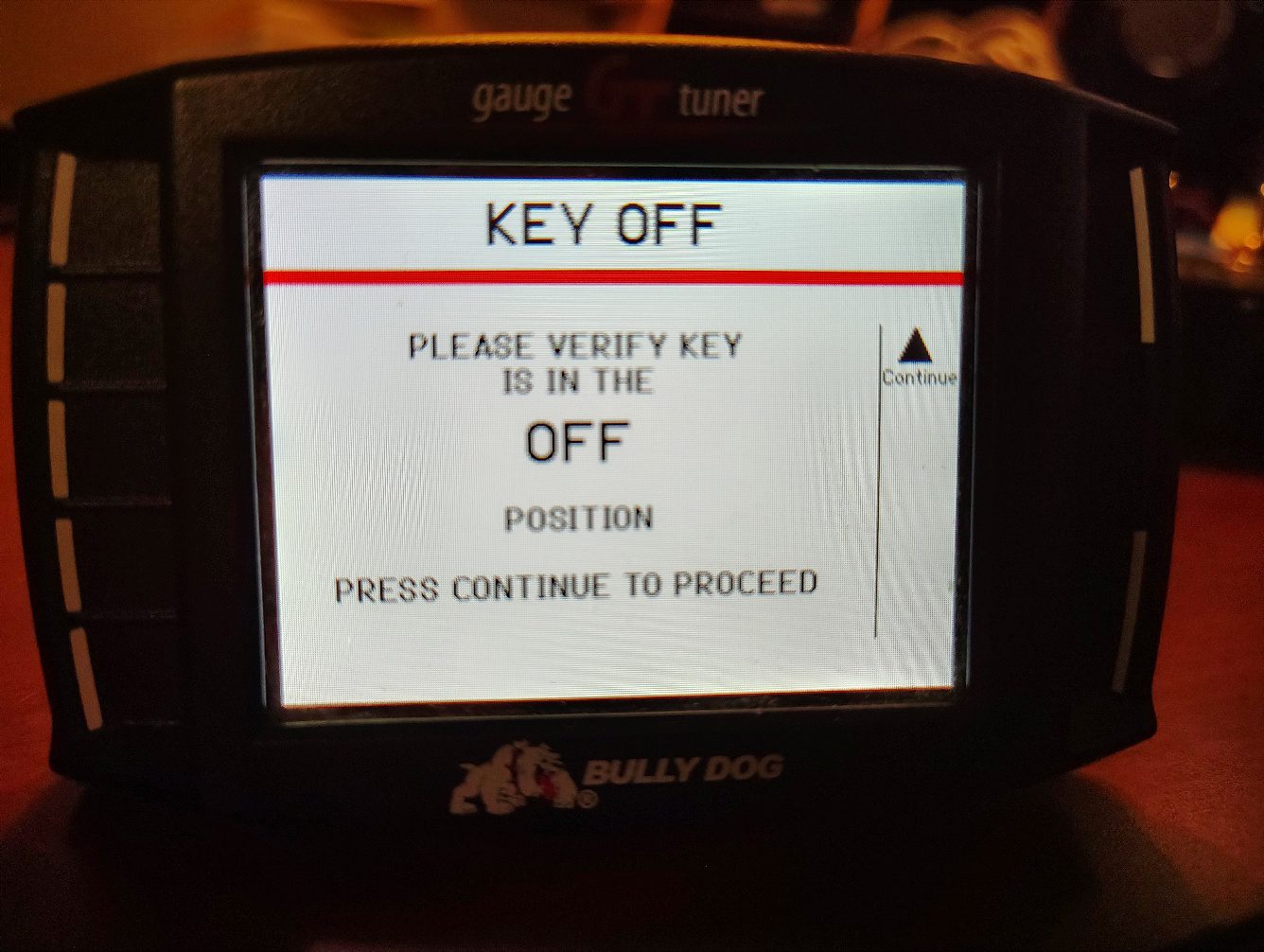
When you get to the SELECT TUNE SCREEN you can now shut the key off and unplug the tuner.

Step 3 - Saving the files and sending info to HDT
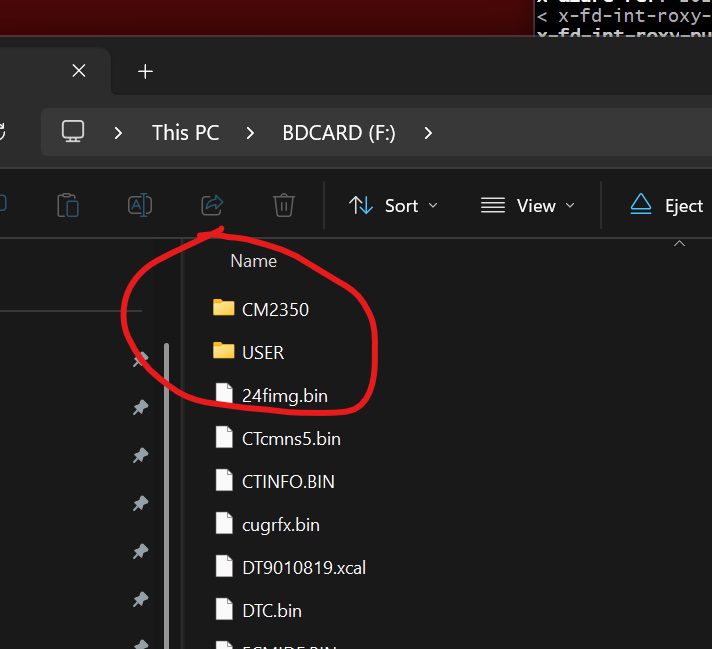
Take out the SD Card from the GT tuner, put it in your computer and send us a copy of the CM2350 or CM2450 and USER folders. (There should be a microSD card reader in the box we sent you if you don’t have one)
Email these files to info@heavydieseltuner.com
Step 4 - Installing the Custom Tuned file
Once we email the tuning file back you will need to save the file to your desktop, plug in the SD card and put the custom tune file into the USER FOLDER
Return to the truck and plug the tuner into the diagnostic port, select the INSTALL TUNING option
THIS OPERATION CAN TAKE 15 - 45 MINUTES TO COMPLETE! ENSURE YOU HAVE GOOD BATTERIES AND/OR CONNECT A BATTERY CHARGER BEFORE PROCEEDING!
Follow the on screen instructions after selecting the CUSTOM TUNE FILE and wait for the file upload to complete.
DO NOT TURN THE KEY OFF OR ATTEMPT TO START THE ENGINE!
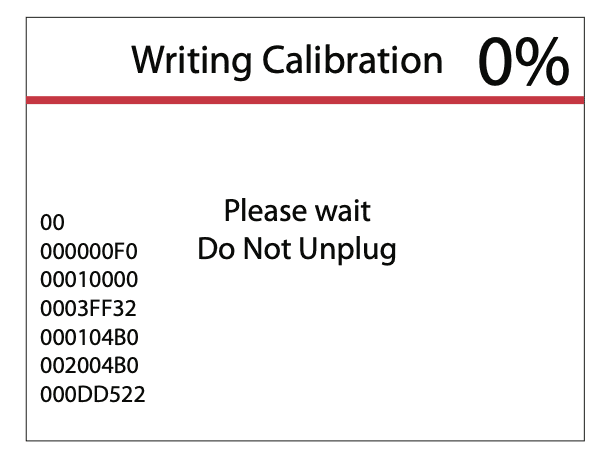
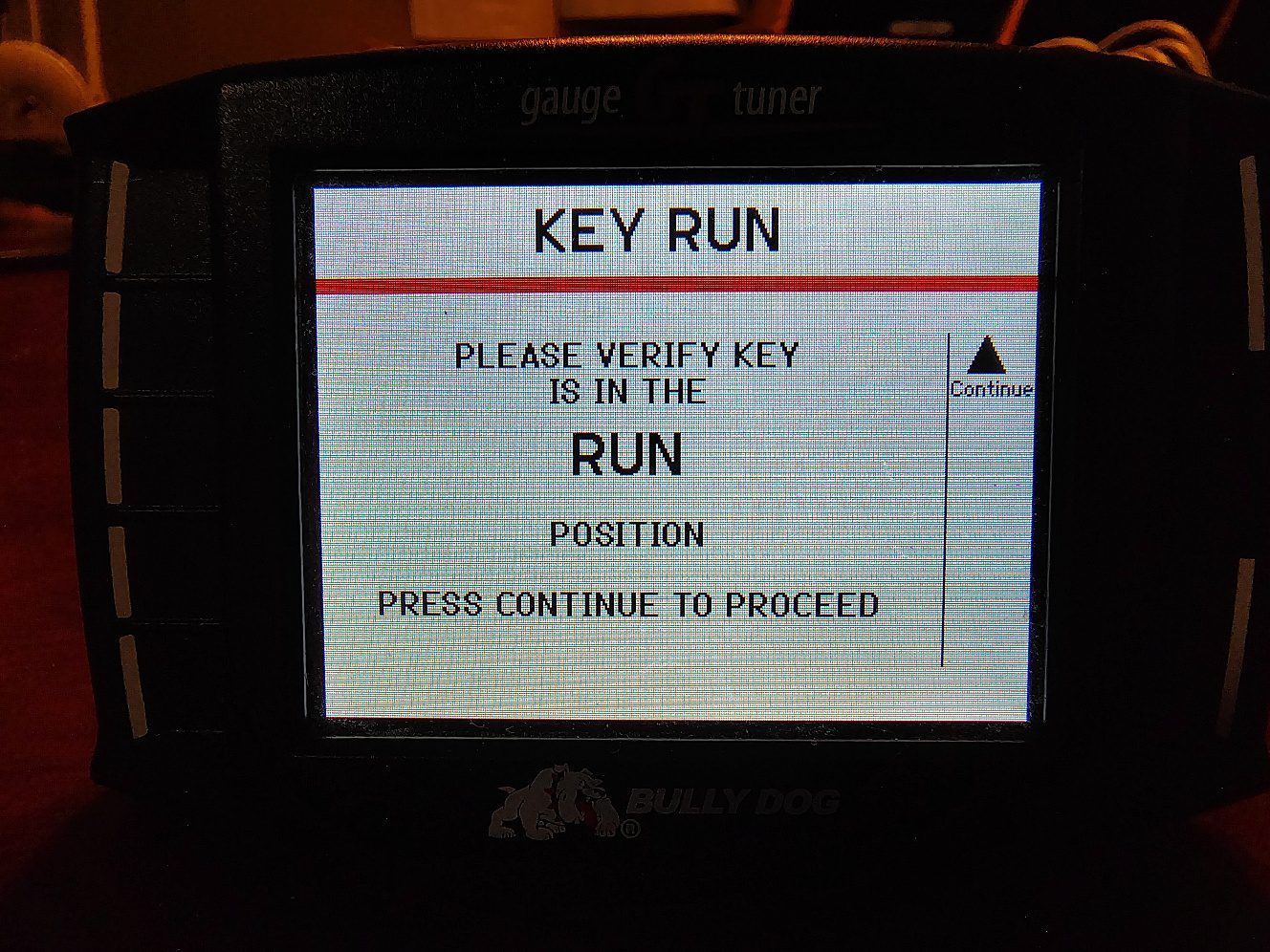
Once the writing process is completed you will be asked to cycle the key again. Follow the on screen instructions to finish the writing process.
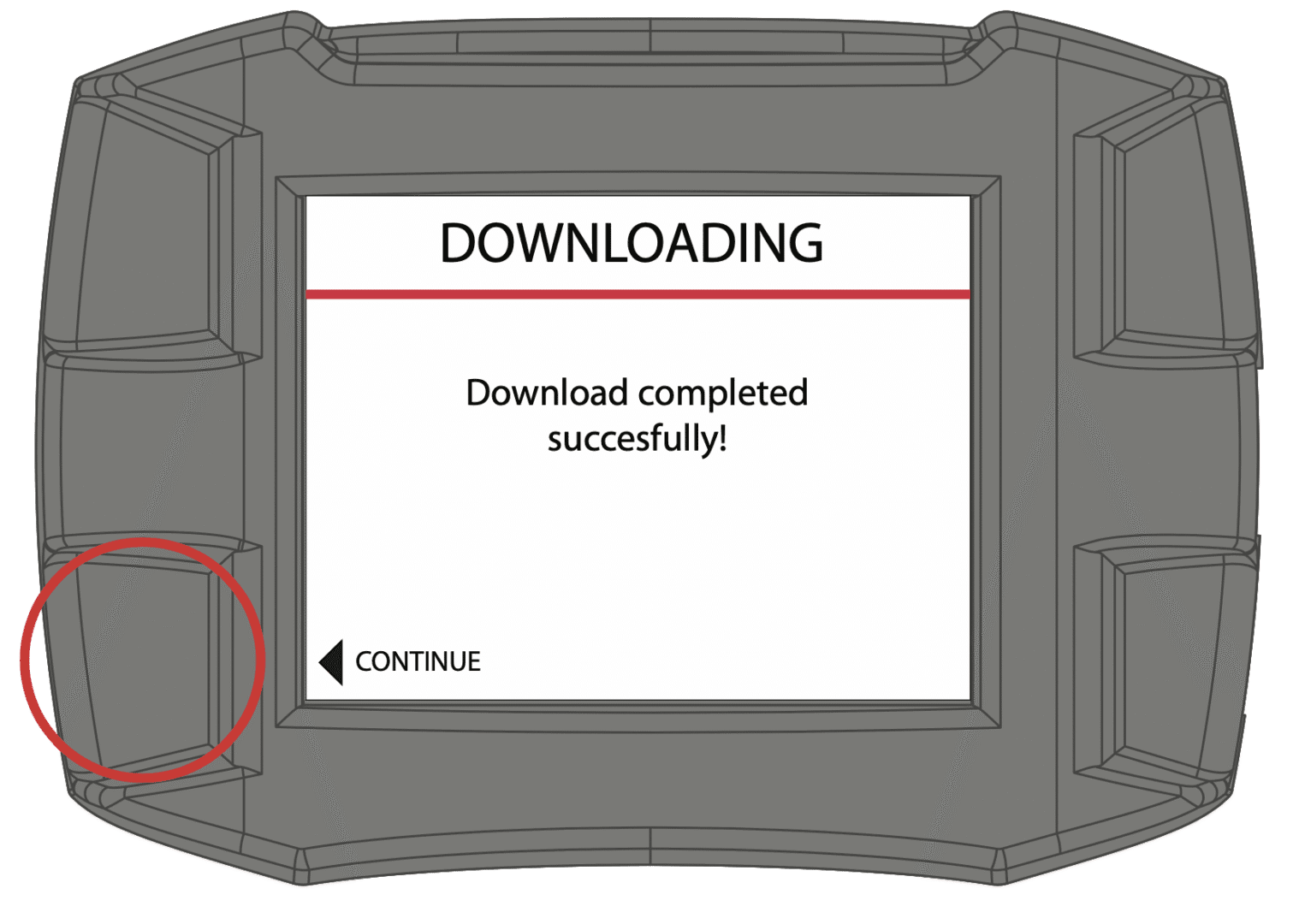
After selecting continue you will be sent back to the main screen and are now ready to enjoy the new power and fuel economy benefits!
If you have any questions during the process please feel free to
contact us by phone or email.
Info@heavydieseltuner.com
423-709-7755
Thank you for your purchase!